
Why Monitoring CPU Usage Is Essential (and How to Read It Correctly)
The CPU is the engine of every server, and its usage is one of the most fundamental indicators of system health. Yet CPU usage is also one of the most misread metrics — a single percentage can hide what the processor is actually doing. In this article, we will explore why monitoring CPU usage is critical, what the number is really made of, and how to interpret it correctly.
What Is CPU Usage?
CPU usage represents the proportion of available processing capacity a server is using at a given moment. But that headline percentage is a sum of several distinct states. The processor spends its time in user (application code), system (kernel operations), nice (lower-priority tasks), iowait (waiting for disk or network), hardware and software interrupts, and steal (time taken by the hypervisor on virtualized servers). Whatever is left over is idle. Understanding this breakdown is what separates real insight from a misleading number.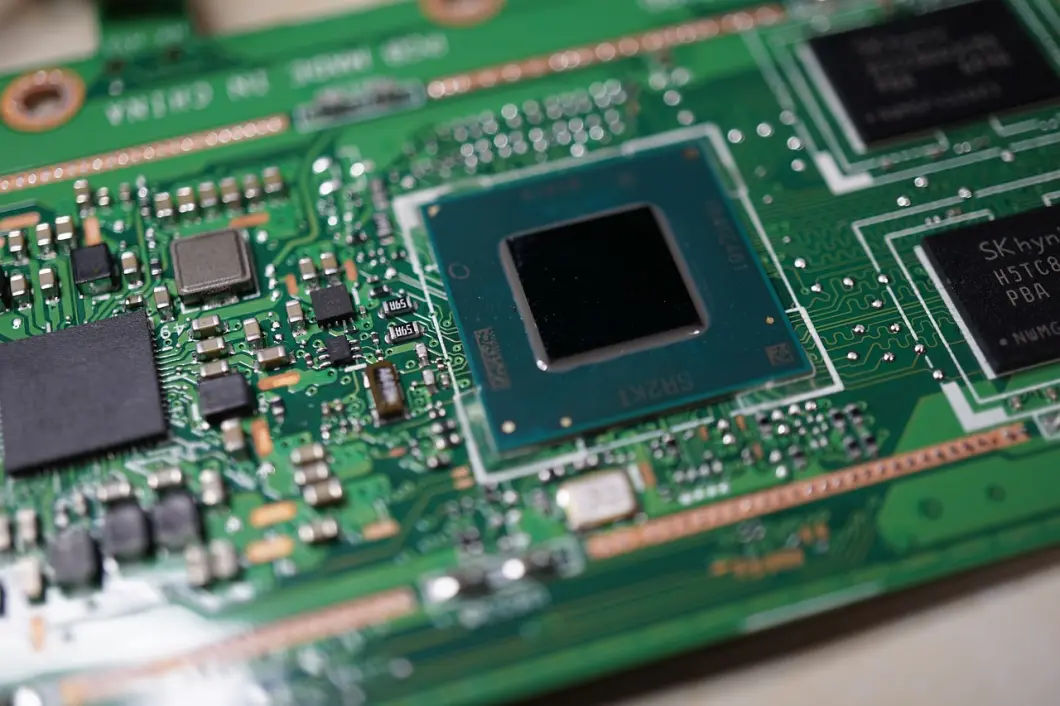
Why Monitoring CPU Usage Is Important
1. Detecting Performance Bottlenecks
Sustained high CPU usage is one of the clearest early signals that a server is approaching its limits. Catching it before it saturates lets you act before applications slow down or requests start timing out.2. Distinguishing Real Load From Wait Time
A server reporting 90% usage might be doing heavy computation — or it might be sitting in iowait, blocked on a slow disk. On cloud instances, high steal time means a noisy neighbor is taking your cycles, not that your workload grew. Without this breakdown, you risk upgrading the wrong resource entirely.3. Capacity Planning and Scaling
Tracking CPU usage over time reveals growth trends and recurring peaks. This data tells you when to scale up or distribute load — based on evidence rather than guesswork — and helps you avoid both outages and overspending on unused capacity.4. Early Warning for Runaway Processes
A stuck process, a runaway script, or a misconfigured service often shows up first as an unexplained CPU spike. Continuous monitoring turns that spike into an alert you can act on, instead of a crash you discover after the fact.Best Practices for CPU Monitoring
Look Beyond a Single Number: Don't rely on 100 − idle. Account for user, system, nice, iowait, interrupts, and steal to understand what the CPU is truly spending time on.
Alert on Sustained Usage, Not Spikes: A brief jump to 100% is normal. Alert on usage that stays high over several minutes — that's what signals a real problem.
Correlate With Load Average: CPU usage tells you how busy the processor is now; load average shows how many tasks are waiting. Reading them together gives the full picture.
Watch Steal Time on Cloud Servers: On virtualized infrastructure, rising steal time points to host-level contention — something no amount of in-server optimization will fix.
Analyze Trends: Review historical CPU data to establish a baseline for what "normal" looks like, so anomalies become obvious.
Monitoring CPU usage is not about watching a single percentage climb — it's about understanding what your processor is actually doing and why. By reading the full breakdown and tracking it over time, you can spot bottlenecks early, scale with confidence, and keep your servers running smoothly under any load.
Let's try! Find out the health of your servers
Start Your 14-Day Free Trial
Let us show you how easy it is to monitor servers